
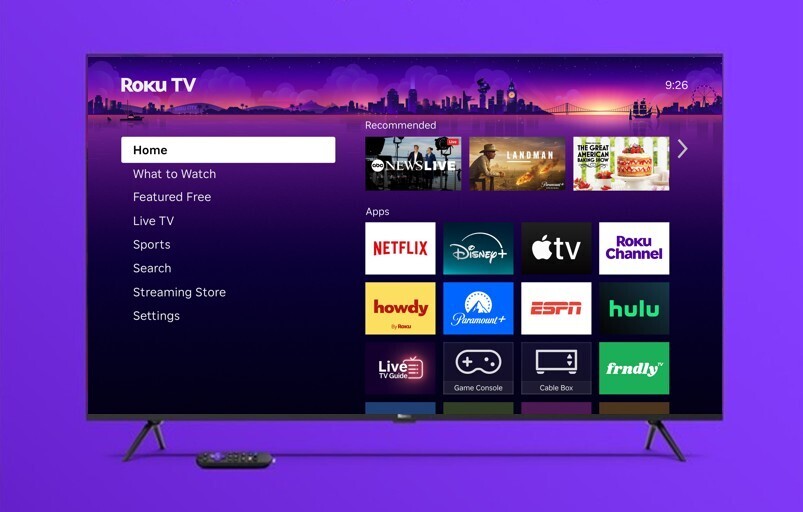
If you want to know how to setup IPTV on Roku, you are in the right place.
Roku is one of the most popular streaming devices in North America thanks to its fast interface, affordable hardware, and rich ecosystem of channels. However, if you are looking to stream live TV channels, premium sports packages (like NFL, NBA, and NHL), and international networks, you might wonder: Can you run IPTV on Roku?
While Roku uses a closed operating system and doesn’t support direct .apk installations like Android devices or Amazon Firestick, streaming IPTV on your Roku TV or streaming stick is still 100% possible.
In this guide, we will show you how to setup IPTV on Roku using the two easiest and most reliable methods in 2026.
How to Setup IPTV on Roku: Method 1 (Screen Mirroring)
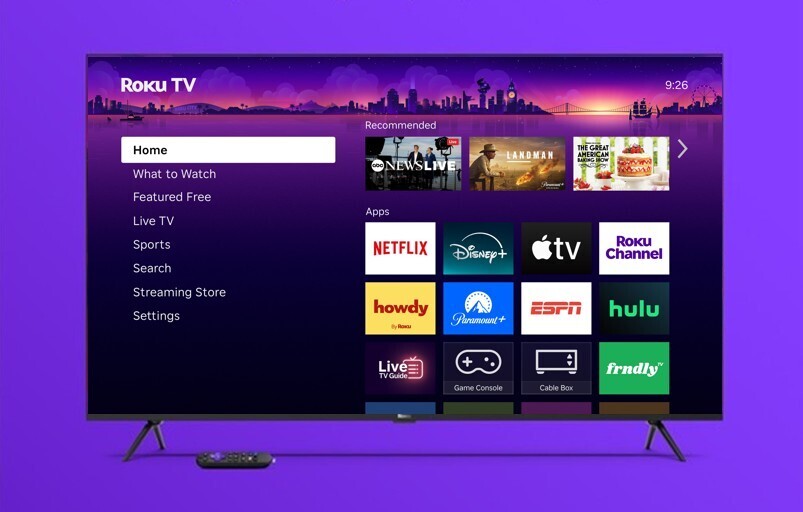
Screen mirroring is the simplest and most effective way to stream high-definition IPTV content directly to your Roku without installing unsupported third-party software.
Step 1: Enable Screen Mirroring on Roku
Power on your Roku device and go to Settings.
Select System > Screen Mirroring.
Choose Screen Mirroring Mode and set it to Prompt or Always Allow.
Make sure your Roku and your mobile phone (or PC) are connected to the exact same Wi-Fi network.
Step 2: Stream via Smartphone or Tablet
For Android Users:
Install your preferred IPTV player (such as IPTV Smarters Pro or TiviMate) on your Android phone.
Input your Silver IPTV 4K trial or subscription login credentials.
Pull down the quick settings panel on your phone and tap Smart View, Cast, or Screen Mirroring.
Select your Roku device from the list. Your stream will instantly display in 4K resolution on your TV!
For iPhone/iPad Users (Apple AirPlay):
On Roku, navigate to Settings > Apple AirPlay and HomeKit and ensure AirPlay is turned On.
Open your IPTV streaming application on your iOS device.
Tap the AirPlay icon and pick your Roku TV/Stick.
How to Setup IPTV on Roku: Method 2 (Web Video Caster)
If you prefer casting directly without mirroring your full phone screen, using a dedicated casting bridge like Web Video Caster is an ideal solution.
1-Install on Roku: Go to the Roku Channel Store, search for Web Video Caster Receiver, and install it.
2-Install on Phone: Download Web Video Caster from the Google Play Store or Apple App Store.
3-Open the app on your phone, paste your M3U playlist link provided by Silver IPTV 4K, and click connect.
4-Select your Roku device. The stream will play directly through your TV player, keeping your phone battery free.
5-This completes how to setup IPTV on Roku using the casting app method.
Why Stream IPTV with Silver IPTV 4K?
Setting up IPTV on Roku is simple, but your streaming experience depends heavily on server stability and stream quality. Here is why viewers across the US choose Silver IPTV 4K:
+Ultra HD & 4K Streams: Zero buffering during high-demand peak hours.
+Complete US Sports Coverage: Never miss NFL Sunday Ticket, RedZone, NBA, MLB, or regional sports networks.
+Extensive VOD Library: Thousands of updated blockbuster movies and on-demand TV series.
+Instant Activation & 24/7 Support: Quick setup help via WhatsApp whenever you need assistance.
Frequently Asked Questions (FAQ)
Is it legal to stream IPTV on Roku?
When considering how to setup IPTV on Roku, using legitimate casting methods is completely safe.Yes, using media casting apps and screen mirroring to stream content to your Roku is legal. Always make sure you subscribe to a dependable service like Silver IPTV 4K for secure streaming.
Do I need a VPN when using IPTV on Roku?
While a VPN is not strictly mandatory, it is recommended to prevent ISP throttling during high-demand live sports events and maintain smooth 4K streaming.
Can I install IPTV apps directly on Roku?
Roku uses a closed operating system that does not support third-party APK installation directly, which is why screen mirroring and Web Video Caster are the two best solutions.
Ready to Test It on Your Roku?
Experience premium live TV risk-free today!
👉 Contact our support team on WhatsApp now to get your Free 4-Hour Trial:
Click Here to Claim Your Free Trial on WhatsApp